New Spark AR Studio v76
More capabilities for Instagram, enable creators to make new types of AR experiences.
Today, Spark AR released the new version 76 that introduces a variety of new features that help simplify and streamline the creation of AR effects AR capabilities on Instagram that help creators build new types of AR experiences, including target tracking, which allows AR effects to be anchored to specific images or objects in the real word, and Native Slider, a new optional controller that can be called up directly in the Instagram app that lets users pick and make fine adjustments to an effect.
Expanding AR Capabilities
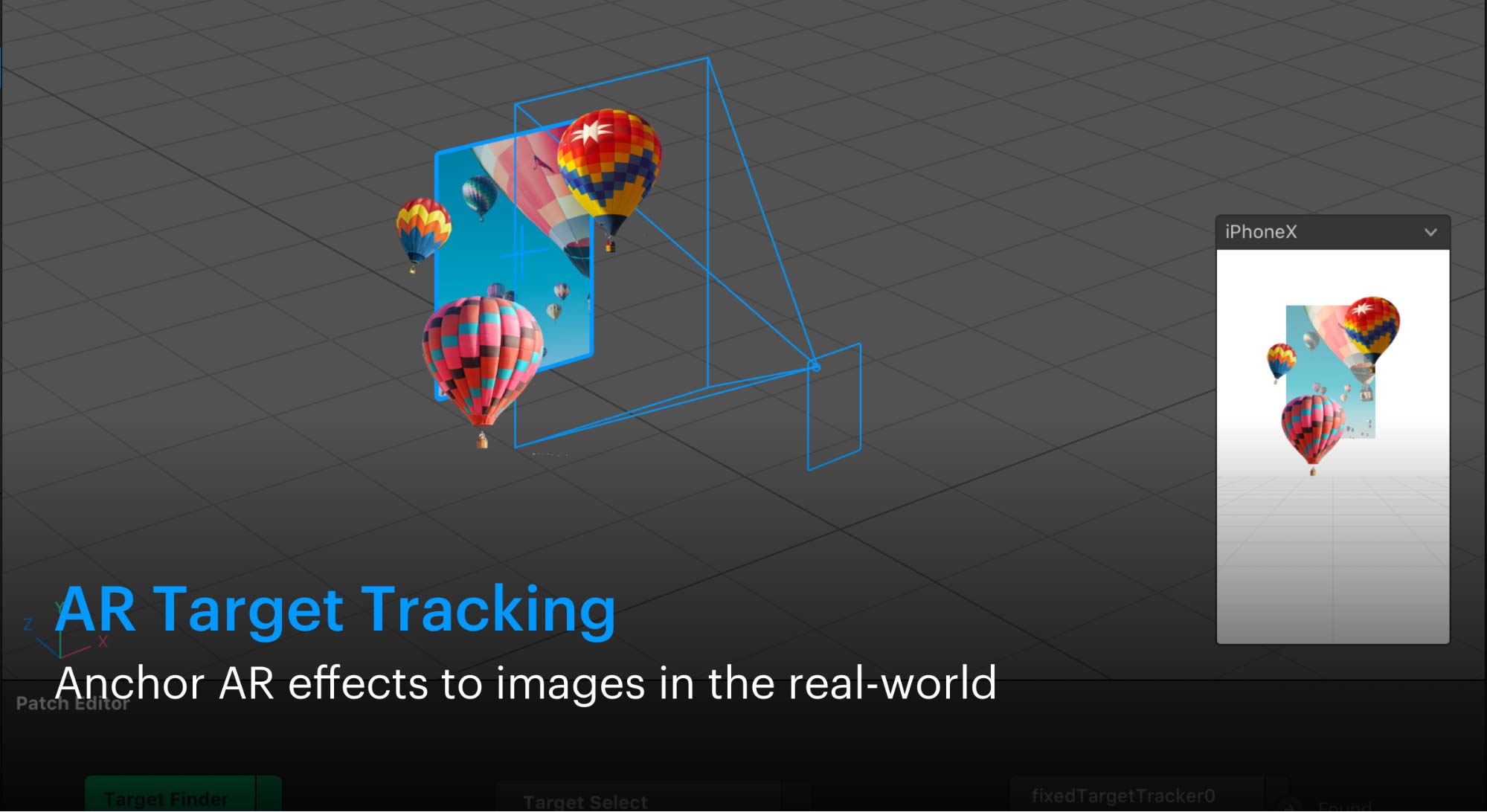
AR Target Tracking
Anchor AR effects to images in the real-world
With target tracking, creators can now build AR experiences that are contextually tied to static images, logos, signs and pictures, on any flat surface, in the real world. When a user points their Instagram camera at a target image, the effect is triggered and appears as a digital overlay in the camera.
This new capability unlocks opportunities for creators to connect with people on Instagram in a novel and immersive way. More information here
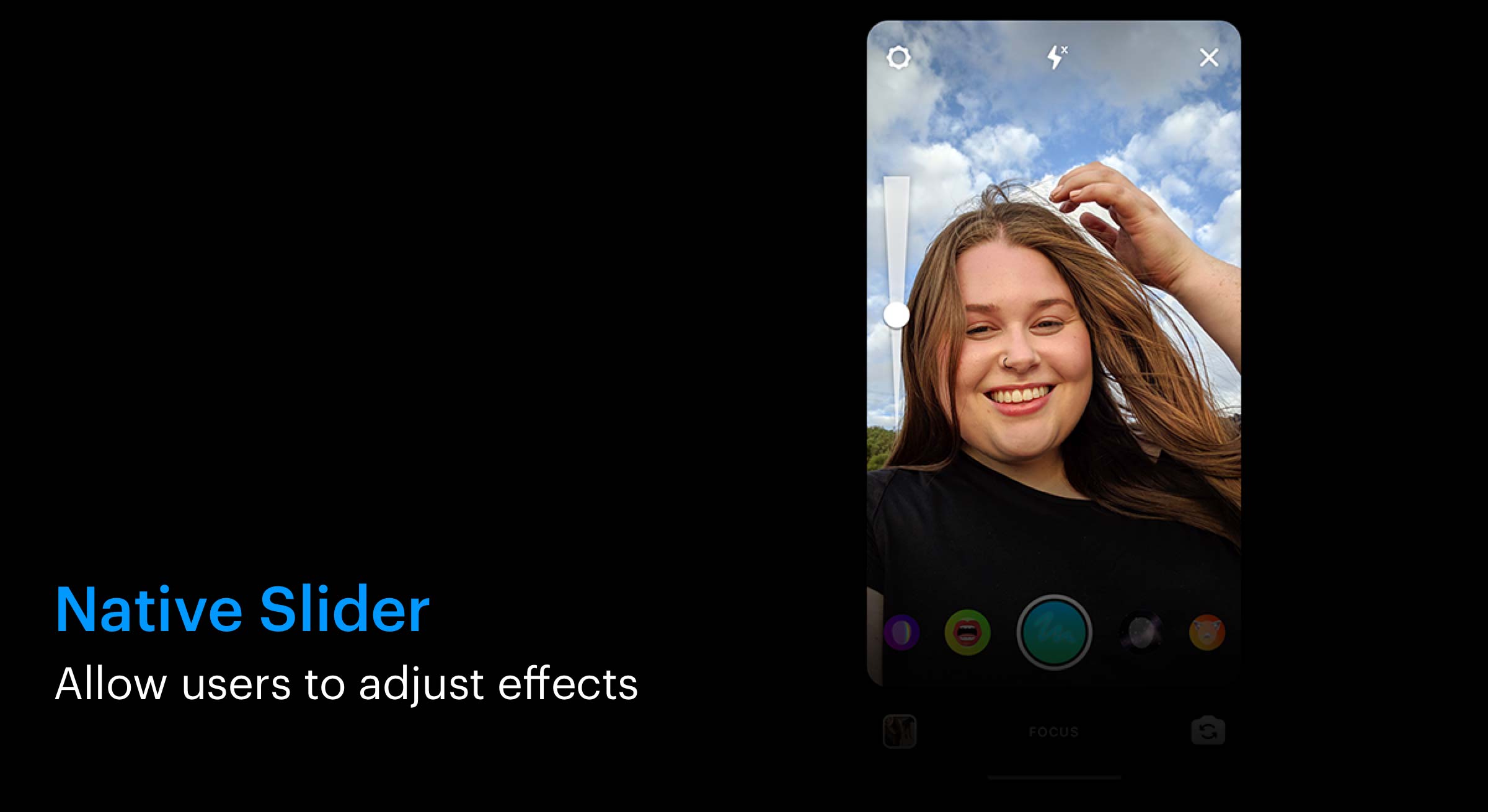
Native Slider
Allow users to adjust effects
Native Slider is a new optional controller that can be selected directly in the Instagram camera and allows users to pick and make fine adjustments to different effect details, like changing the size of objections, animations or augmentations.
By giving users more personalization and control, new capabilities like Native Slider will help creators build better, more engaging AR experiences on Instagram.
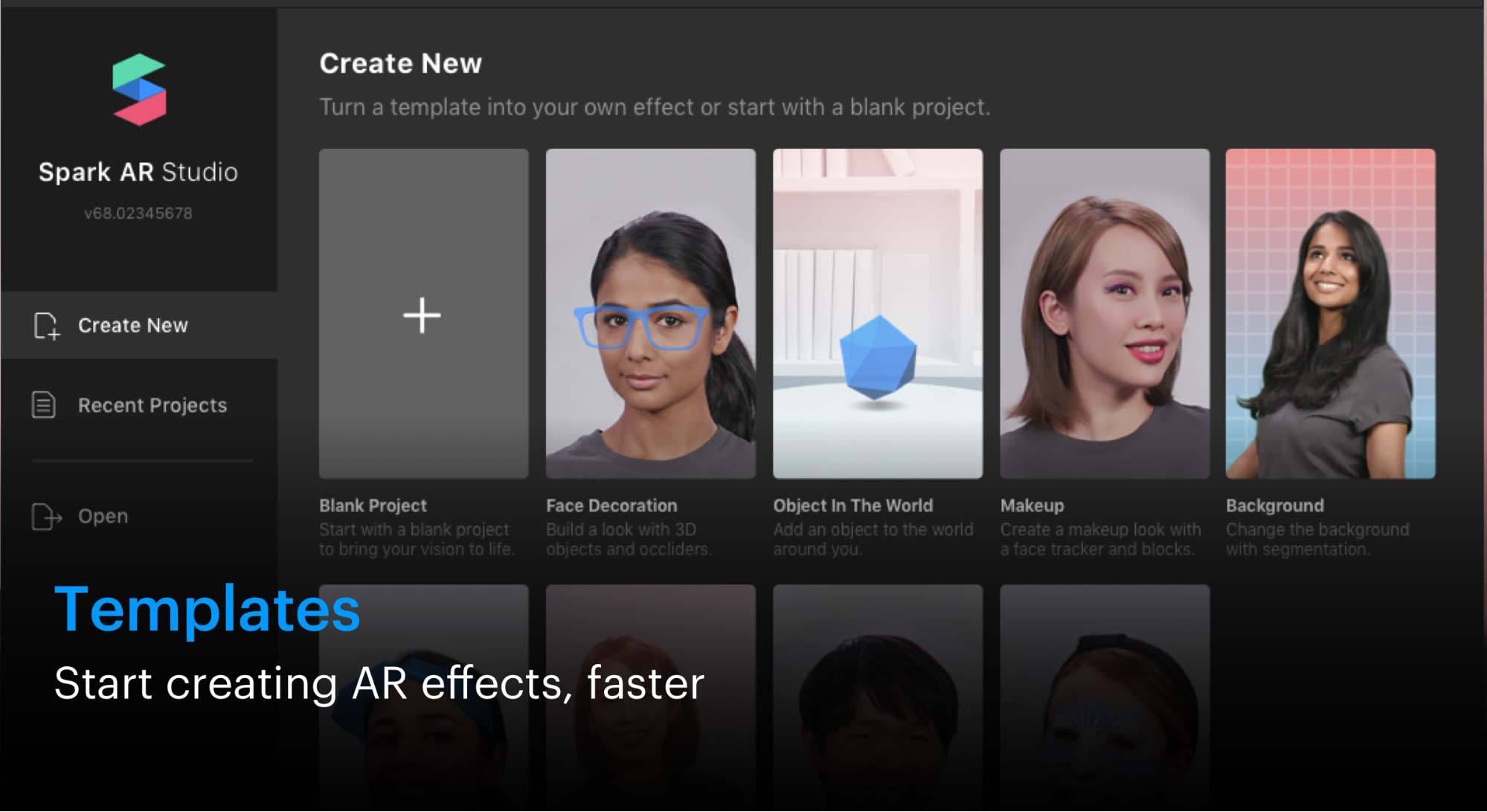
Templates
Start creating AR effects, faster
Using templates, creators can customize pre-designed AR projects to make them their own, ranging from popular effects like face masks and background segmentation, to color filters and effects using 3D objects.
For new creators, templates help them quickly find starting points for their ideas. For more advanced creators, templates provide them with key ingredients they can take and tailor to bring their custom AR experiences to life faster.
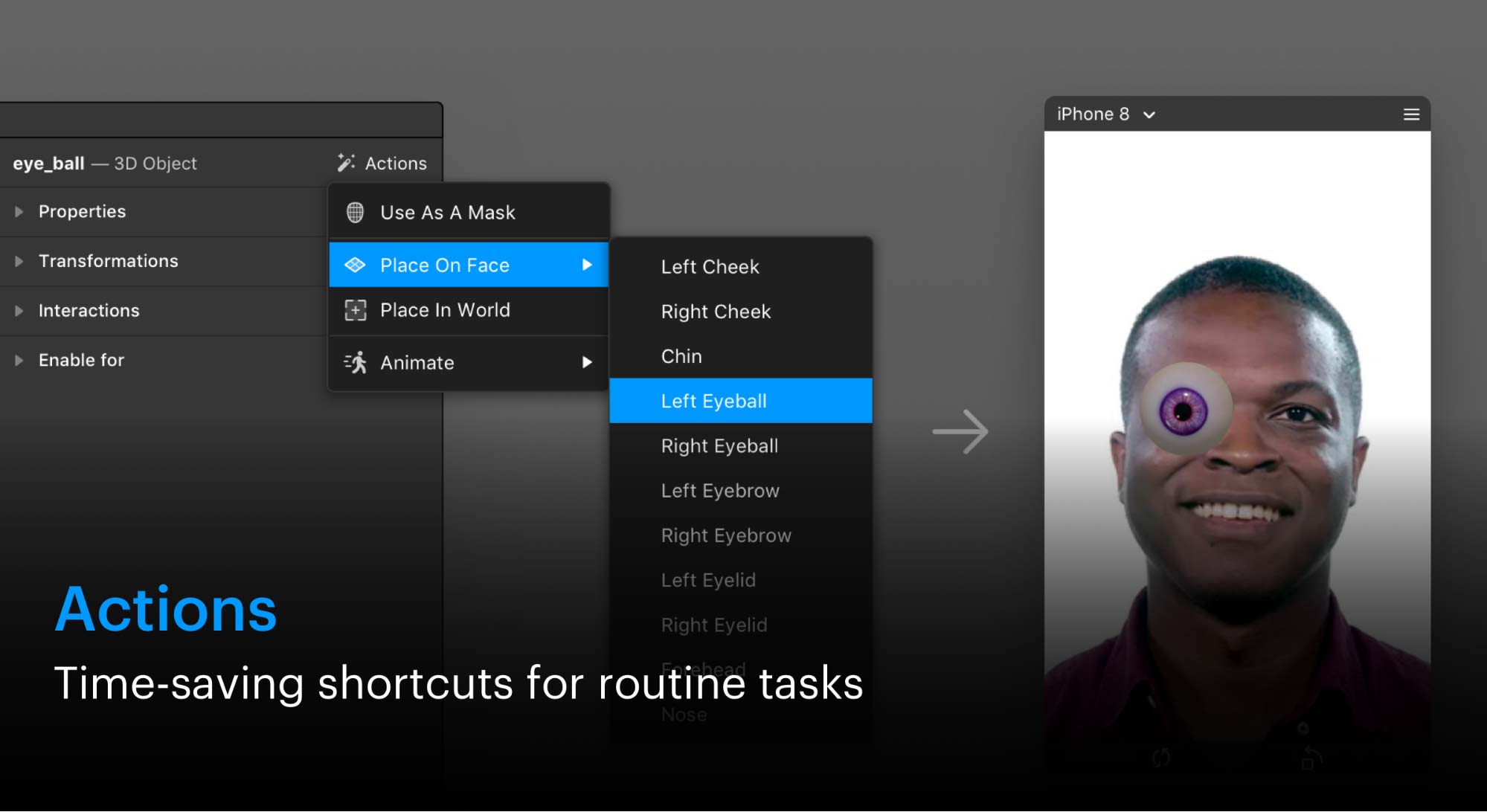
Actions
Time-saving shortcuts for routine tasks
Actions provides sets of pre-packaged actions that reduce a range of common, repetitive steps into shortcuts, to help creators streamline their workflow.
For example, it can take up to 10 steps to place an object on a face effect, but with actions, this process can be reduced to a single click. Today’s update of Spark AR Studio will support actions for placing objects on people or positioning them in the world, as well as Actions that help add simple object animations.

In-App Upload
Quickly upload effects from Spark AR Studio
With the addition of in-app upload, we’re taking what were several manual steps, like exporting and uploading to Spark AR Hub, and automating them in Spark AR Studio.
This feature will provide creators with a more streamlined experience when preparing their effects to be published.
Spark AR Studio update is available now for download on macOS and Windows compatible computers.