Statement
This project focuses on the creation of an online course to teach augmented reality applications to educators who are seeking to incorporate AR as a teaching tool in their curriculum. This includes creating AR applications for instructional purposes that are easy to develop and simple to incorporate without needing to know programming languages.
Eugenio Solis de Ovando

Statement of Purpose
Focus of this project
Evaluation
Web design & Coding
Assessment
Learning with Videos
Contact
Augmented Reality in the Classroom
To understand how to incorporate AR technology into the classroom, as well as raise questions leading to additional research in the field, we must first review some of the concepts informing AR based instructional design, and the integration of AR into educational programs.

Augmented Reality
AR
Applications
AR Requirements
AR
Equipment
Infographic
What is Augmented Reality?
Augmented reality (AR) is the term used to name the set of technologies that allow visualizing digital elements superimposed on existing physical information.
.

Applications of Augmented Reality
- In sports tournaments that are broadcast on television, such as American football, golf, tennis and other sports activities, augmented reality is used to superimpose layers of information to show lines in the field, trajectory of a ball and advertising.
- In commercial and military airplanes, AR can be used to display information in the visors of the pilots’ helmets or in the cockpit windows.
- Games that use smartphones to display 3D layers in real world such as Pokémon Go.
- In the industrial field, technicians use AR glasses to view real-time information of equipment or machinery in industrial facilities.
- In the field of retail, Ikea for example uses an AR app to overlap products so that consumers can see how the products would look like in their homes.
.

AR Requirements
- For AR to be possible, different elements that interact together are required:
- Firstly, a video camera captures a real scene that has objective existence, then this camera that captures the real scene can be inserted in different mobile devices such as smartphones, tablets or similar, as well as wearable elements such as glasses or headsets.
- It is also possible to use a video camera connected to a computer to project AR on a video monitor.
- Then, through the use of a computer, a digitally generated element is added to the scene.
- The digitally superimposed element can be generated through a computer with software that is capable of generating a file compatible with the system on which the AR will be projected.
.
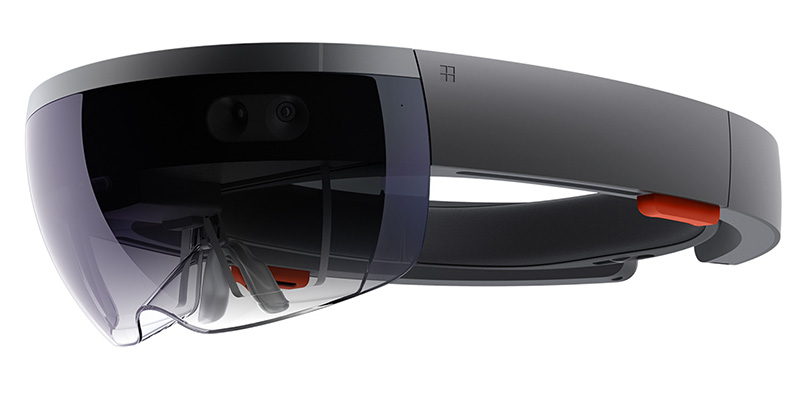
AR Equipment
Augmented reality using holographic glasses:
There are glasses that can be connected wirelessly to a smartphone or tablet and can generate and project data such as time, temperature or data.
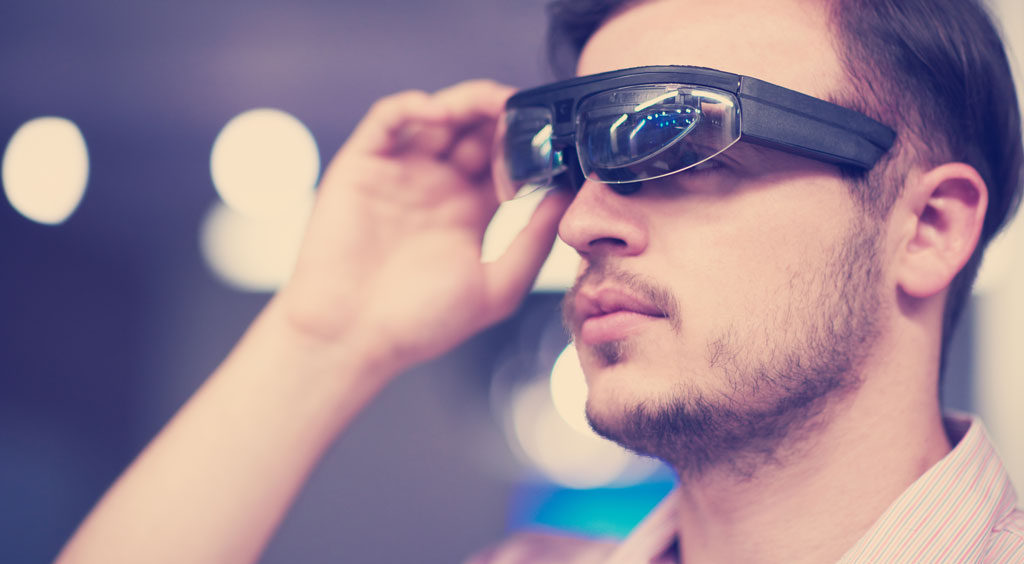
AR using a headset:
These are helmets with visors that project images. These helmets can be connected to a computer which provides the data, as well as they can be connected to portable devices in order to have greater mobility. The components of these headphones are:
holographic lenses, camera, integrated speakers and processor with a storage disk. It has ventilation to avoid overheating. In terms of connectivity, it includes support for Bluetooth and Wi-Fi, in addition to a battery and external connection port.
Around the headset there are multiple integrated cameras, which are intended to capture the “immediate reality”, track the positioning of the hands and, with the help of the sensors in the device, follow the movements of the head.
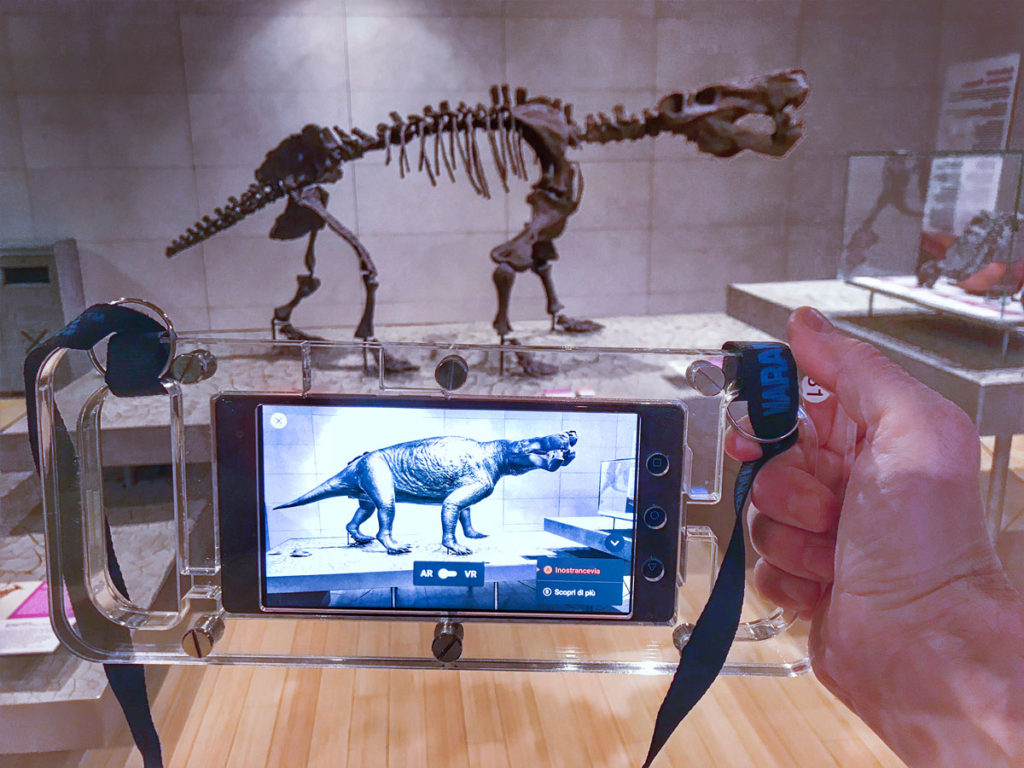
Augmented Reality using mobile device (tablet – smartphone):
One can have an AR experience without the need for glasses or helmets just by using a phone or tablet. These devices can use the technologies that are inserted in them since they have a number of sensors that allow them to take different measurements of the space in which they are, for example the temperature or the global positioning, yet one of the most important sensors, is the Gyro, a small electronic component that although not essential for the operation of the smartphone as a cell phone, is used in a variety of implementations to take exact measurements for different applications, one of these being for augmented reality.
AR developers can take GPS and gyroscope data to position digital elements very accurately. These movements are captured by the gyro’s internal electronics and translated into electrical signals that are interpreted by the device’s processor and converted into analyzable data by the applications being used.
Infographic